
Collection lookbook
Create outfit images for your fashion lookbook
Present a collection through styled outfits. In Fitting Room, assemble each look from clothing and shoes, select a ready-made virtual model and scene, then choose the images for your lookbook.
Start with one look from your collection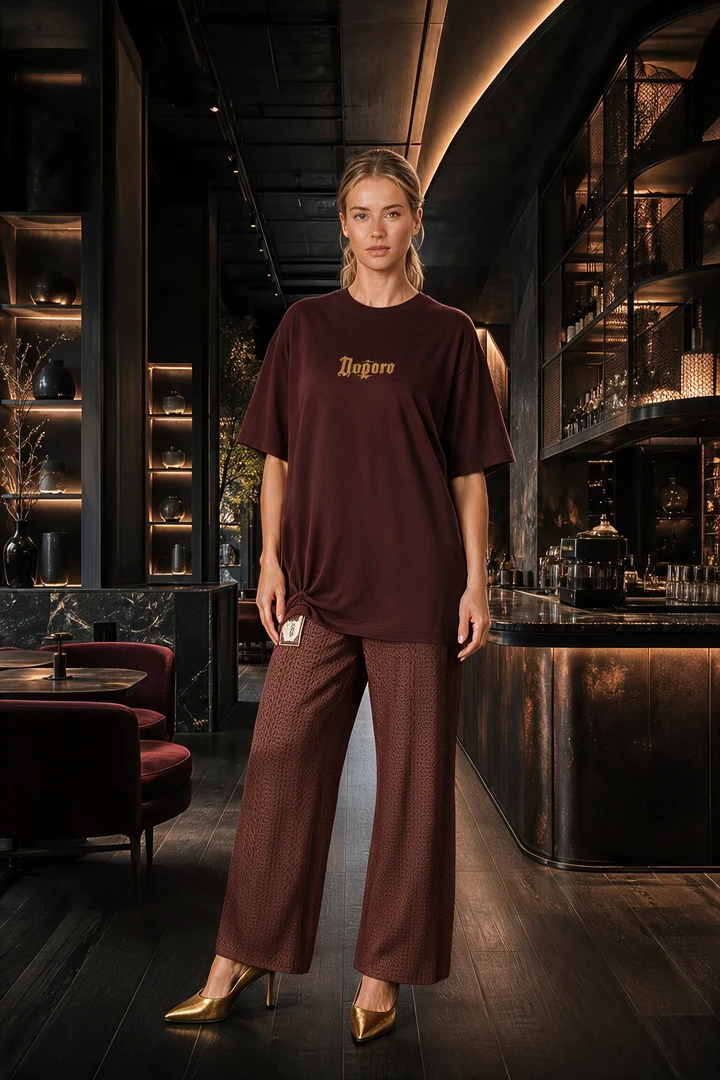
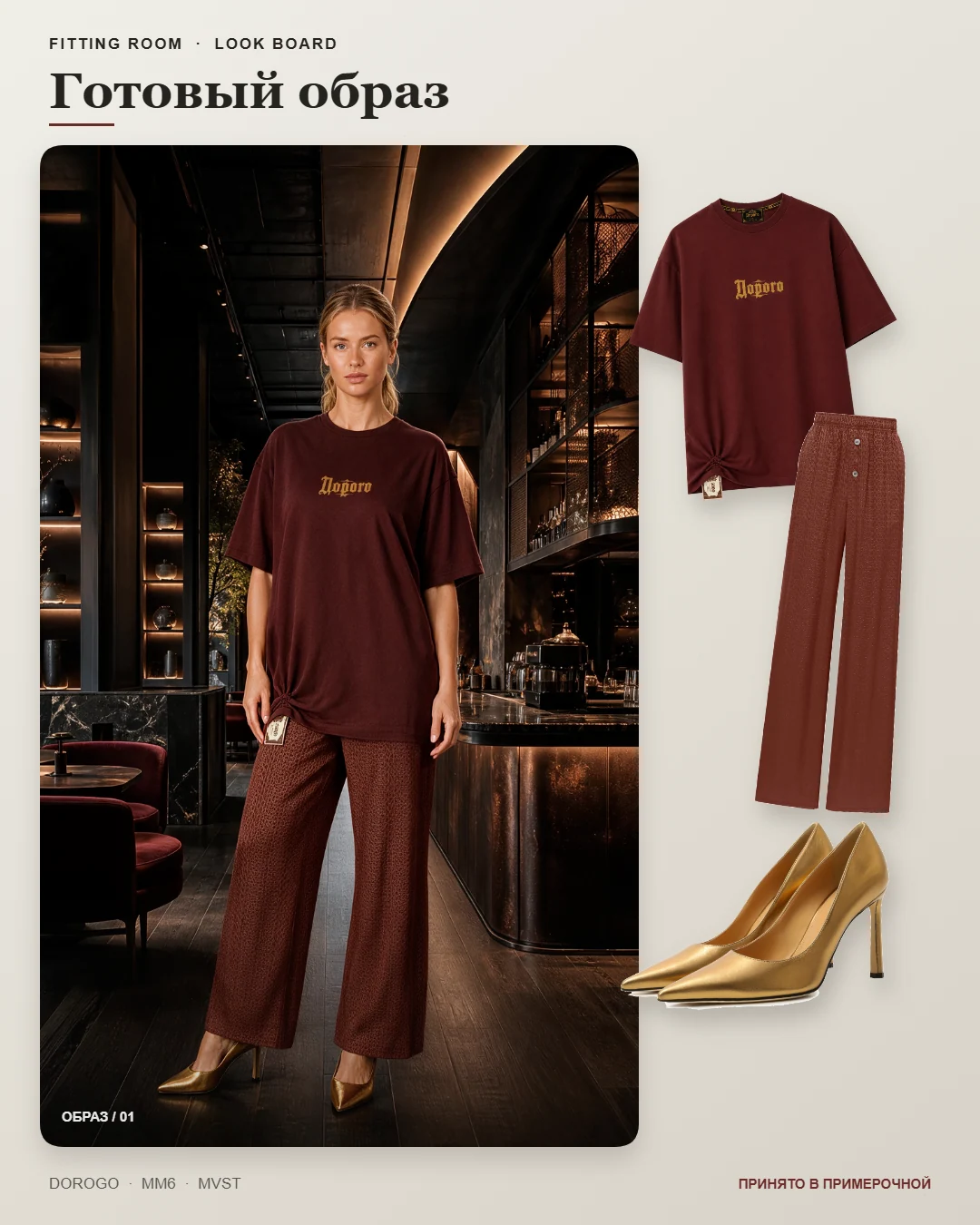
This shows one demonstration outfit, not an entire photographed collection. Model, garment colour and lighting consistency across different outfits need separate review. Results are not guaranteed to be identical for every garment.
See the inputs and full example walkthroughPrepare the images for your collection
- Plan the outfits
- Choose tops, bottoms or a dress, shoes and relevant accessories. Start with an outfit that represents the collection and your fidelity requirements.
- Keep a consistent shoot direction
- Choose the same ready-made model and suitable scenes for subsequent looks. This helps establish a direction but does not replace comparing the resulting images.
- Select the useful views
- For each outfit, keep a main image and additional views that reveal the garments. Do not include nearly identical images just to increase the count.
- Lay out the lookbook in your editor
- Download selected images and add names, product codes and the collection story. Automatic layout of a multi-page PDF lookbook is not currently part of the service.
Lookbook and look board: what is the difference?
- A lookbook presents a collection through several outfits. Prepare its images here and create the final layout separately.
- A look board shows one outfit and the pieces that make it up.
- A flat lay shows an arrangement of items. It complements on-model images but does not replace real product photos for checking details.
Before you start
Can I upload an entire collection in one step?
The current workflow involves assembling and reviewing individual outfits. Do not expect unattended processing of the entire catalogue.
How do I preserve brand prints?
Upload clear photos of prints and other important details, then compare the result with the original. Lettering and small elements can still be distorted despite references.
Start with one look from your collection
Tell us about your collection and show us one outfit. We will discuss the materials you need, access and pricing. Reviewing the first look will help you decide whether the workflow suits your brand.
Start with one look from your collection