
Your store’s social media
Social media content made from the clothing you sell
New arrivals, an outfit of the week or a seasonal edit: show shoppers how items from your range work together. Fitting Room helps you prepare virtual-model images and separate outfit boards.
Discuss content for your store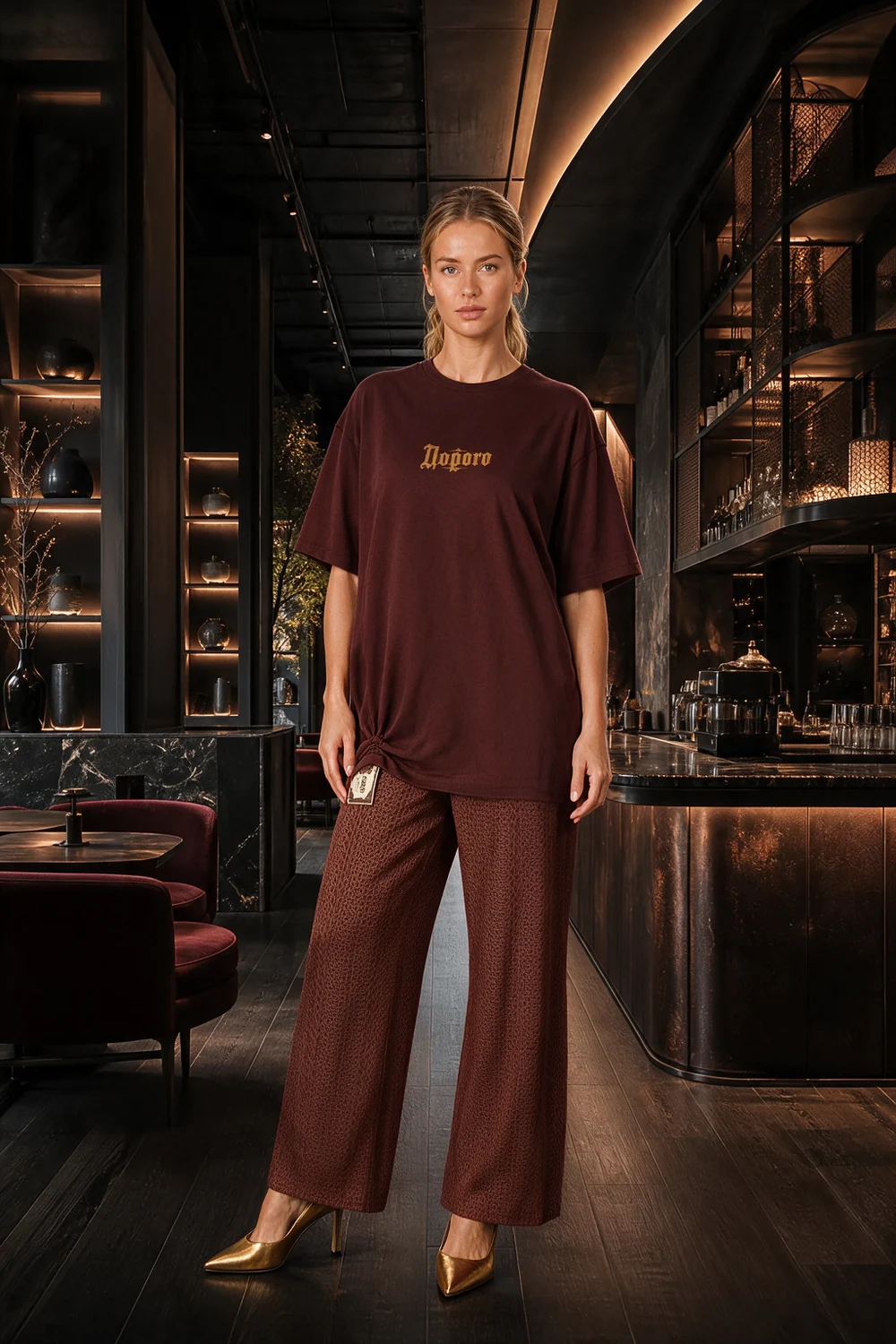
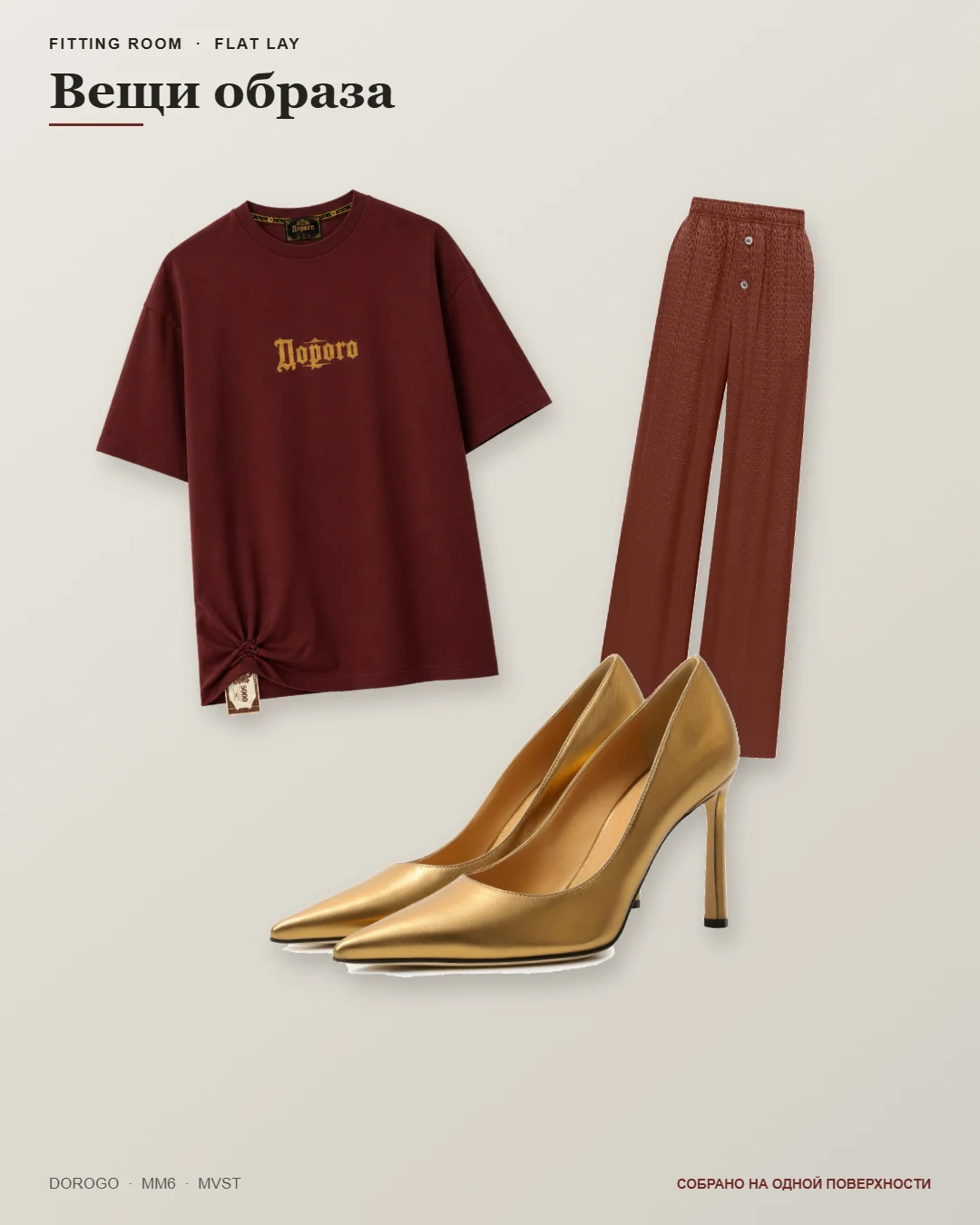
These are saved materials from one demonstration outfit, not evidence of sales or reach growth. Before use, compare each item with the original photos, including prints, shoes and small details.
See the inputs and full example walkthroughDifferent post ideas from one outfit
- Show how pieces work together
- Use the main image to show the full outfit. In your caption, specify available items, sizes and how to order.
- Show the garment from other angles
- Choose views for a carousel. Compare them with your references: colour and details should stay consistent, and an inferred back view is not verified.
- Break down the outfit
- A look board shows the outfit and its pieces; a flat lay focuses on the items. Use them for styling edits and add current product codes and prices when preparing your post.
- Publish after reviewing
- Upload downloaded files to Instagram or other social networks yourself. For Telegram, connect a channel, choose the materials and caption, then press send. The service does not publish on its own.
Before customers see your post
- Check that the featured products are actually in your range.
- Verify prices, sizes and ordering details in the caption.
- Inspect images closely: print and hand errors are visible in carousels too.
- Check the crop in the social platform’s editor so shoes or important garment details are not cut off.
Before you start
Does the service manage my social account?
No. You choose products, approve images and decide what to publish. Content planning, customer replies and information accuracy remain with the store.
Can I set up Instagram auto-posting?
There is no direct Instagram integration at present. Images can be downloaded, and publishing to a connected Telegram channel requires your action.
Discuss content for your store
Show us your range and tell us where your store posts. Start with one outfit and discuss access, the materials you need and pricing.
Discuss content for your store