Fitting Room | AI fashion content for clothing stores
AI clothing photography for your store
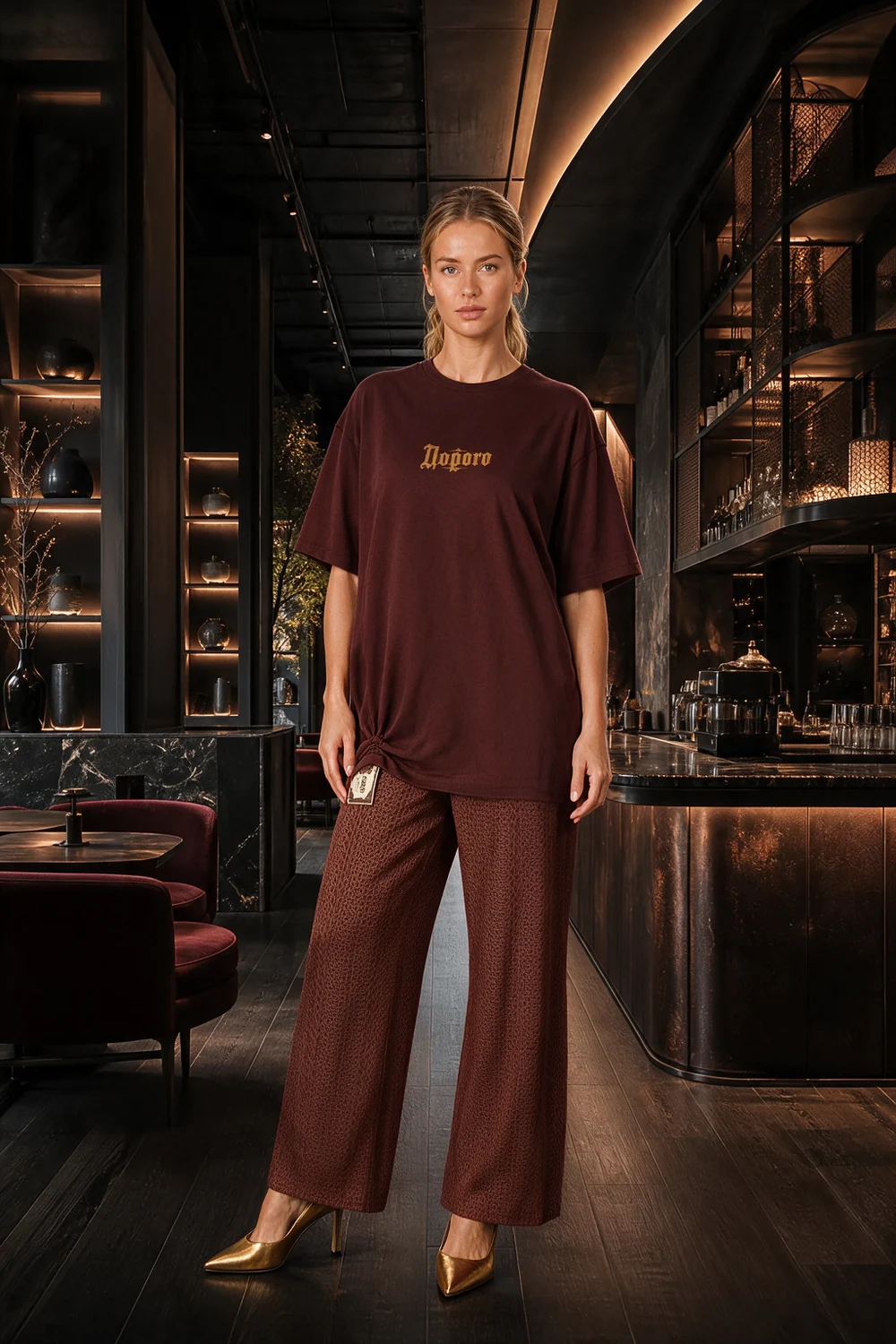
Fitting Room turns photos of your garments into AI-generated images on virtual models. For clothing stores and sellers: combine outfits, choose views and download content for product listings, your website and social media.
Access is arranged individually. The workspace is available in Russian and English; we will discuss onboarding before you join.
Created in Fitting RoomFrom product photos to a complete look
Where your images go
For product listings, catalogues and social posts
Product listings
Show clothing on a model and add the views you need. Before uploading to a marketplace, check garment details against the product and review the platform’s image requirements.
Your website catalogue
Combine a top, bottoms and shoes into an outfit. Download images for your website and keep real product photographs alongside them for comparison.
Social media
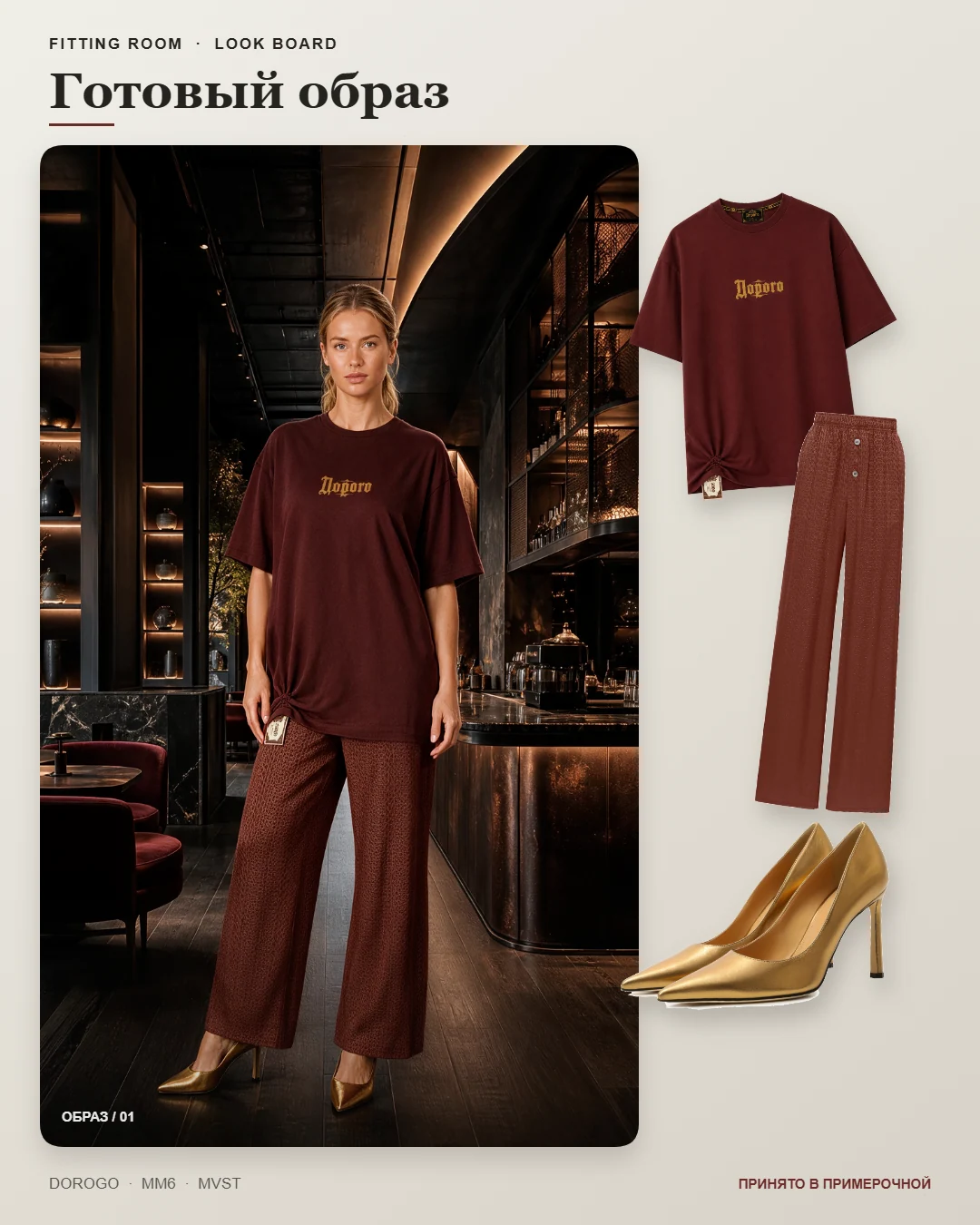
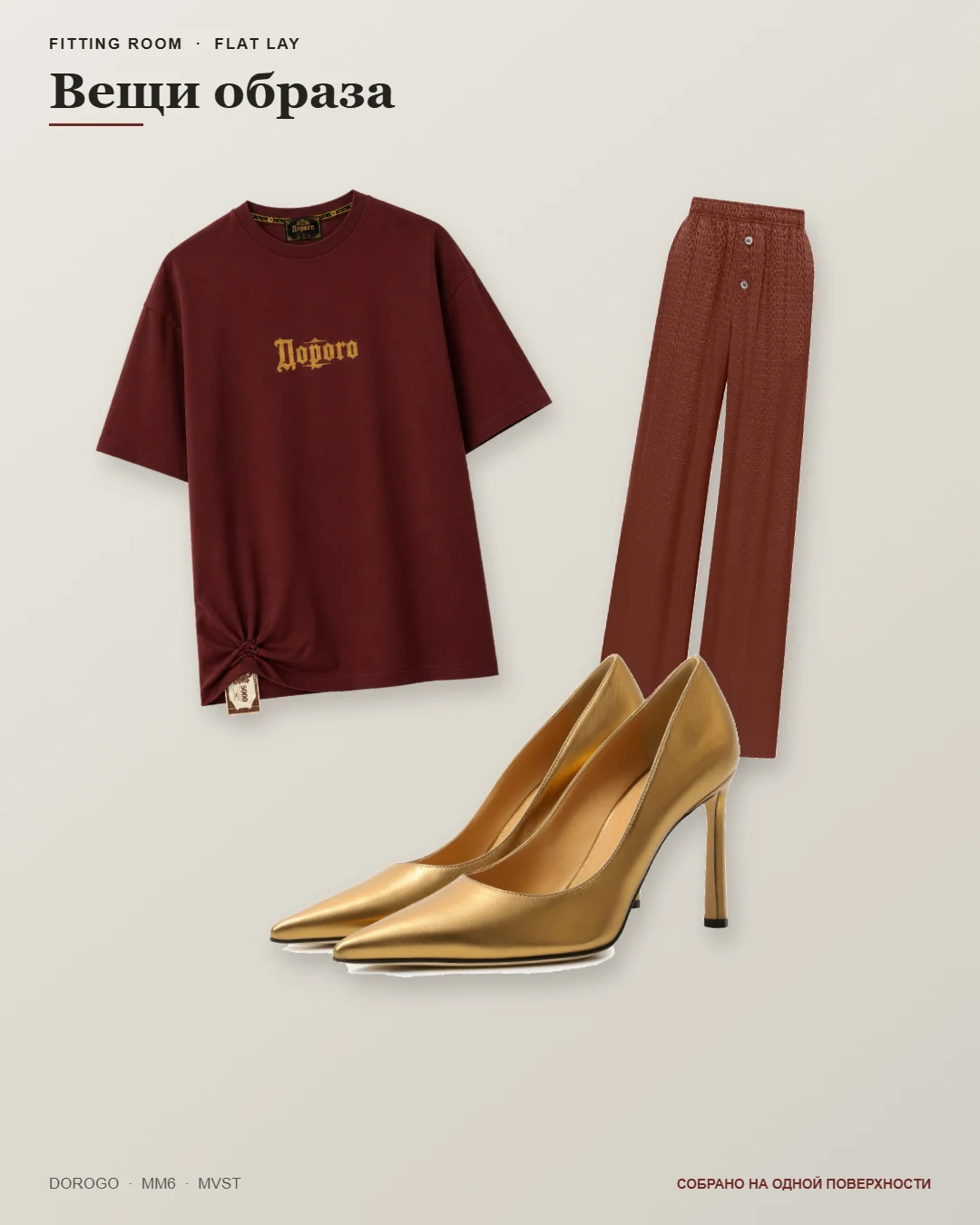
Prepare an outfit image, look board or flat lay. Download files for Instagram and other social platforms and upload them yourself. For a connected Telegram channel, review the images and caption, then press Publish in Fitting Room.
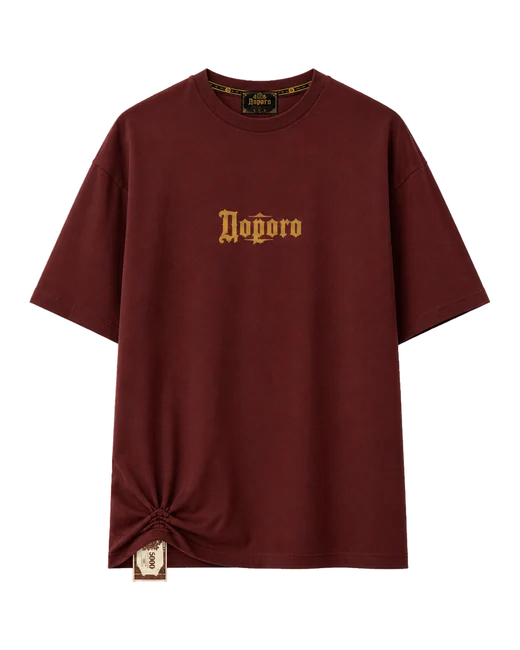
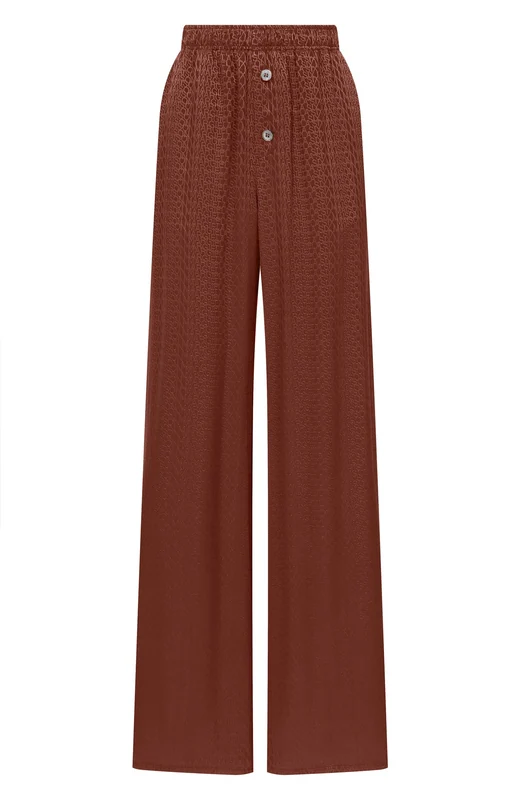
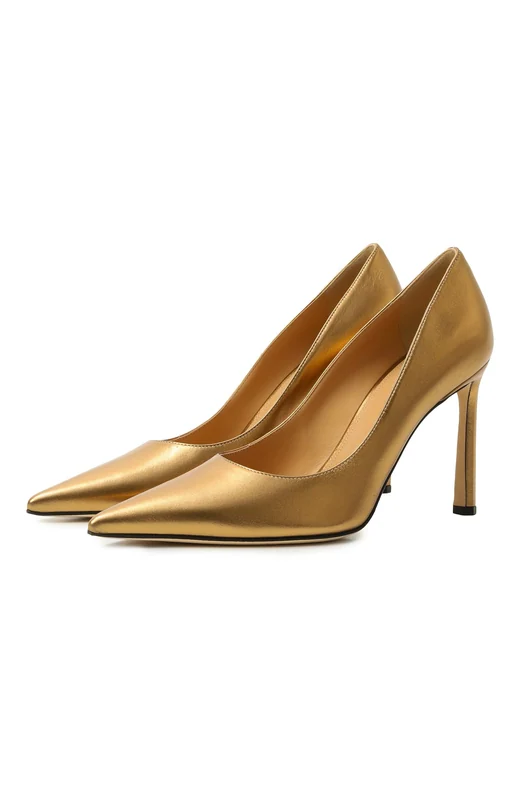
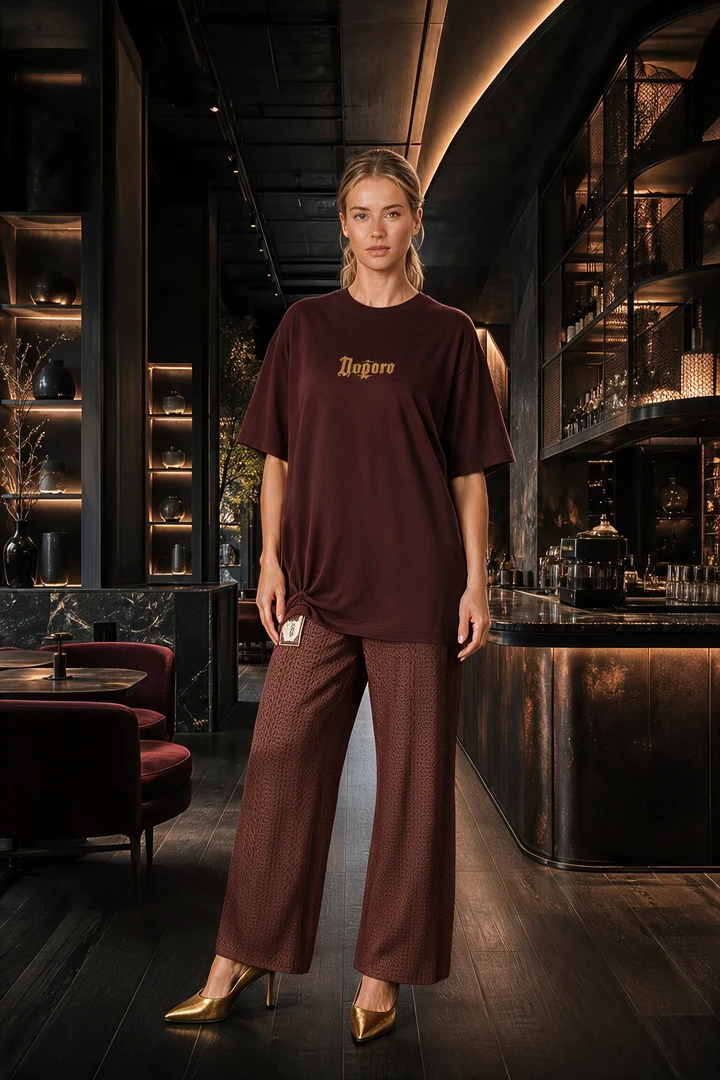
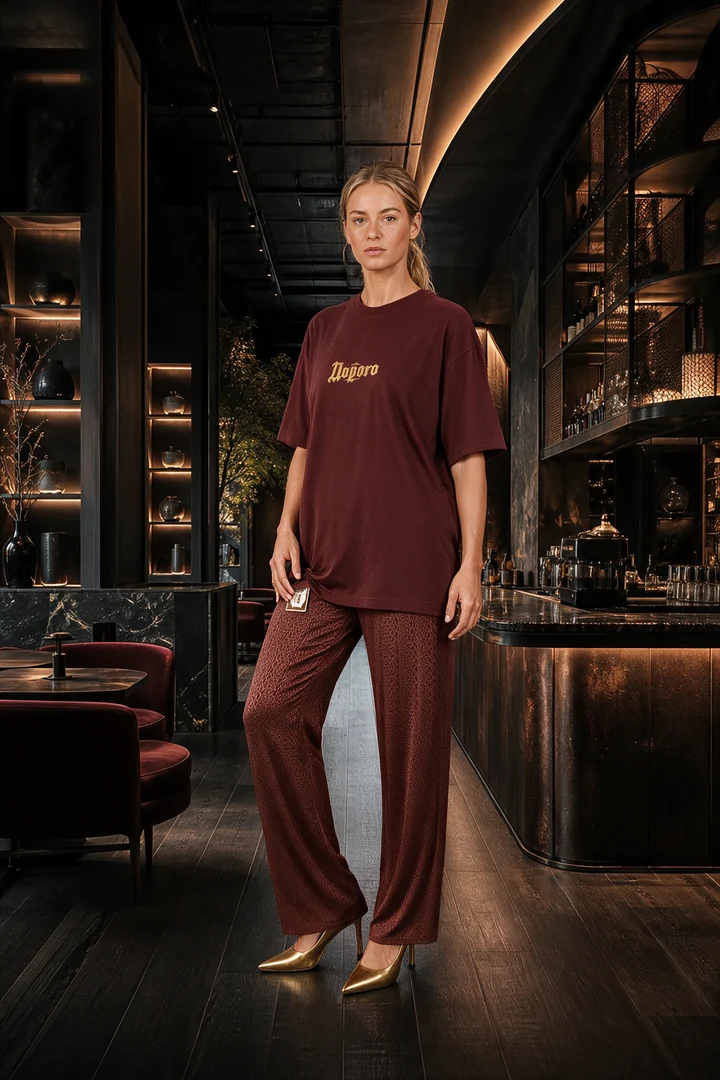
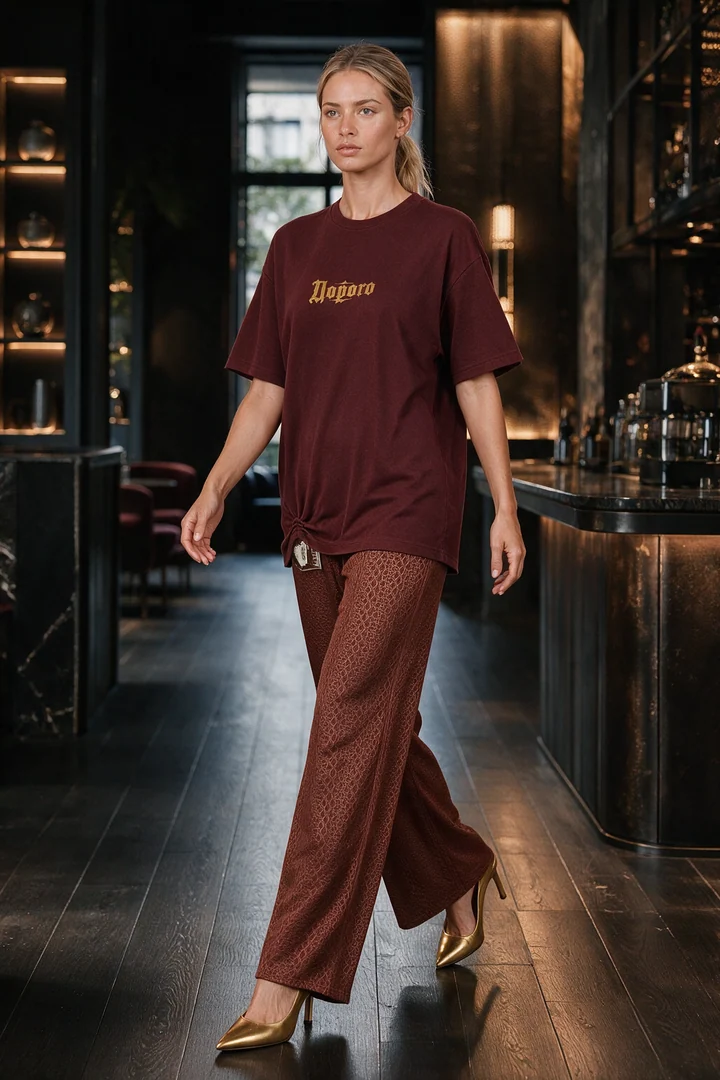
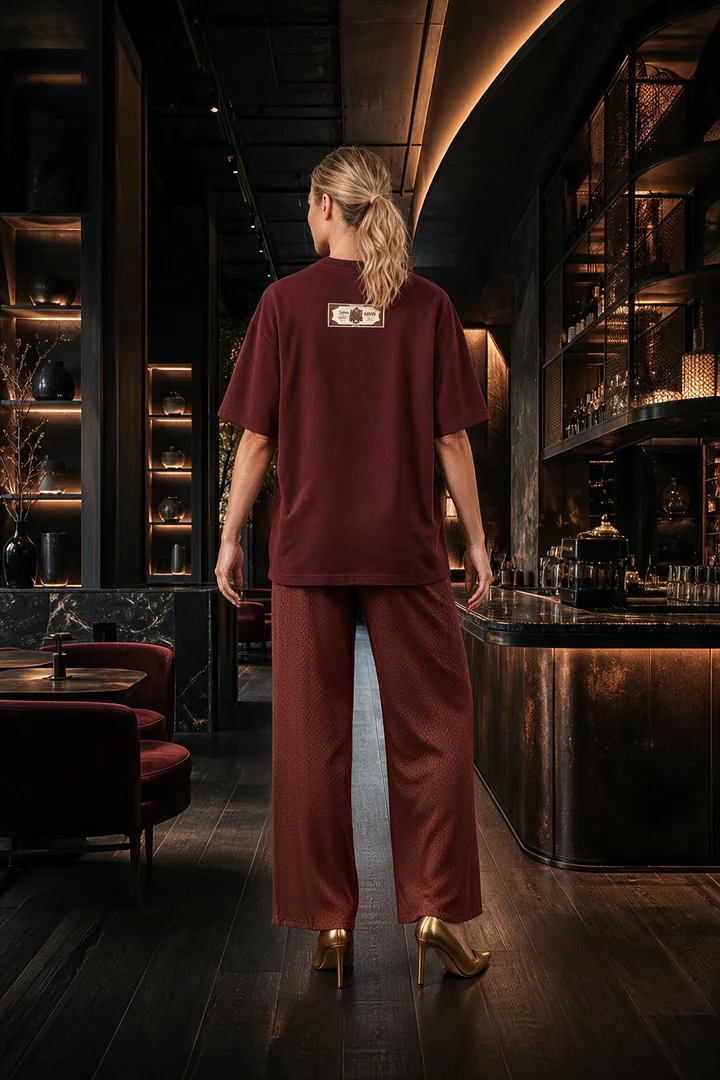
These are actual outputs from Fitting Room. The source items below were used to create the same outfit, its additional views and the two boards. The model and final scenes are AI-generated.
01 · Product photos
Choose what you want to show
T-shirtTrousersShoes
Upload clear product photos, then choose a ready-made virtual model and an available scene. You do not have to write an image prompt for each look.
02 · On-model image
Build a complete outfit
03 · Additional views
Choose one to four angles
Generate only the views you need. Open any example to inspect it at full size.
Full lengthTurningIn motionBack
04 · Outfit boards
Show what makes up the look
Download approved images for your website or social posts. Direct publishing is currently available for a connected Telegram channel, after you review the images and caption.
Look boardFlat lay
A workspace for your assortment
Keep the outfit and its materials together.
Your uploaded items belong to your account. Keep the finished look, selected angles and boards in its history, then download the materials you want to use. You choose what gets published.
Create on-model clothing images for product listings and your online catalogue. See real inputs and an AI-generated example, photo requirements and a review checklist.
Create an on-model outfit, views, a look board and a flat lay from your store’s clothing. Download social media images or publish to a connected Telegram channel.
Prepare virtual-model outfit images for a fashion lookbook. Choose garments and a scene, review views and download images for your own collection layout.
Explore a saved example: main image, selected views, look board and flat lay.
Before you join
What to expect
What does Fitting Room do?
Fitting Room is an AI fashion-content workspace for clothing stores. It uses product photographs to create outfit images on virtual models, selected views, look boards and flat lays. It is for producing visual content, not measuring a shopper or predicting garment size and fit.
What product photos should I prepare?
Use clear, well-lit photos of one item at a time, with the whole garment or shoe visible. Add the back view and close-ups when prints, pockets, labels or fastenings differ between sides. If a view is missing, the service estimates it, so it may not match the real item.
Will every detail match the original item?
AI can change small details, lettering, colour or shape. Review each output against the original product photos before publishing it. Keep real product photos in your catalogue; generated images supplement them rather than prove exact fit.
Do I need Telegram?
No. You can request a demo with an email address and download your finished images. Telegram is an optional direct-publishing channel. Other social networks do not have direct publishing integrations yet.
Is the workspace available in English?
This introduction and enquiry form are in English. The workspace is available in Russian and English. Tell us your country and preferred language so we can discuss onboarding for your team before arranging access.
Can I make videos or sync my store catalogue?
Video generation is being tested and is not part of standard store access. Automatic catalogue and inventory integrations are planned; product photos are currently uploaded through the workspace.
How much does it cost?
Tell us about your assortment and how much content you need. We will discuss the scope, available payment method and price before you decide. This page does not charge you or start a subscription.
Your store comes first
Let's look at your next collection.
Share your store website or social profile and a contact. We will discuss the products you want to show and whether Fitting Room fits your workflow.
International access is arranged individually. No catalogue upload or channel access is needed for this enquiry. Pricing and payment are agreed separately.
✓
Thank you. Your request is saved.
We will contact you using the details you provided to discuss your store.